XML Sitemap
An XML sitemap is a machine-readable table of contents for a website that helps search engines find and index pages faster.
What is an XML Sitemap?
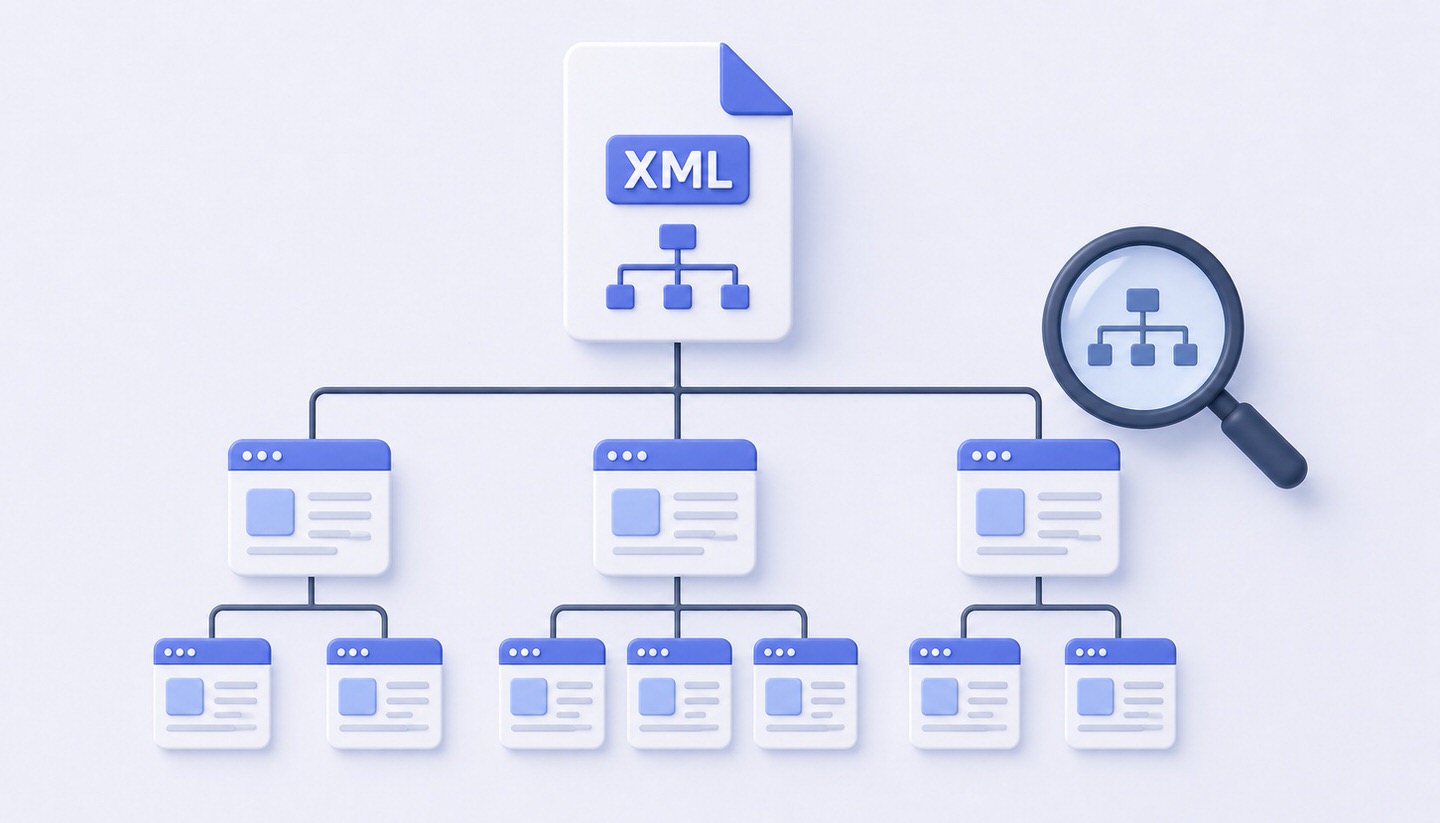
An XML sitemap is a structured file that provides search engines with a list of all important pages on a website. It functions like a table of contents: it shows search engines like Google at a glance which URLs exist on a website and which of them should be crawled and indexed. The acronym XML stands for the file format in which the sitemap is written, a machine-readable format specifically designed for processing by programs.
The XML sitemap is therefore primarily aimed not at human visitors, but at search engine crawlers. It helps them to capture a website more completely and efficiently, especially for large or complex sites.
What is an XML Sitemap Used For?
Search engines typically find pages by following links from one page to the next (crawling). An XML sitemap supports this process and offers several advantages:
- Complete Coverage: It ensures that even pages with weak or no internal links are found.
- Faster Indexing: New or updated pages can be discovered more quickly by search engines.
- Guidance for Large Websites: For shops or portals with thousands of pages, the sitemap helps maintain an overview.
- Additional Information: A sitemap can include supplementary details, such as when a page was last modified.
How is an XML Sitemap Structured?
An XML sitemap lists individual URLs in a predefined format. A simplified example for a single entry:
<url>
  <loc>https://www.example.com/blog/seo-tips</loc>
  <lastmod>2026-05-01</lastmod>
</url>
The loc entry contains the full URL of the page, while lastmod indicates the date of the last modification. In the past, additional details about update frequency and priority were common, but these are largely ignored by Google today. The correct listing of URLs is what’s most important and relevant.
Important: What a Sitemap Can and Cannot Do
A common misconception concerns the effect of a sitemap. An XML sitemap is a hint, not a guarantee:
- It does not guarantee indexing: Just because a URL is in the sitemap does not mean Google will necessarily index it. Google still decides for itself which pages to include.
- It does not replace a good site structure: A sitemap is a supplement to internal linking, not a substitute. Important pages should also be well-linked internally.
- It should only contain indexable pages: Only pages that should actually appear in the index belong in the sitemap—no pages excluded by noindex, redirected, or pointing to another version via canonical tags.
Best Practices for XML Sitemaps
- Keep it up to date: The sitemap should be automatically updated when new pages are added or old ones removed. Most CMS and SEO plugins handle this automatically.
- Only include clean URLs: Do not add error pages, redirects, or pages excluded from indexing.
- Link in robots.txt: A reference to the sitemap in the robots.txt file helps search engines find it.
- Submit in Google Search Console: This ensures Google knows where the sitemap is located and also shows how many of the submitted URLs have actually been indexed.
- Observe size limits: A single sitemap may contain a maximum of 50,000 URLs. Larger websites split their sitemap into multiple files, which are bundled via a parent sitemap index file.
Sitemap and WordPress
If you work with WordPress, you don’t need to create an XML sitemap manually. SEO plugins like Yoast SEO or Rank Math automatically generate an up-to-date sitemap and update it independently whenever content changes. The finished sitemap can then be submitted directly in Google Search Console.
Conclusion
An XML sitemap is the machine-readable table of contents for a website and helps search engines reliably and efficiently find all important pages. It is particularly valuable for large or complex websites but neither replaces good internal linking nor guarantees indexing. It’s important to keep the sitemap up to date, include only indexable URLs, and submit it in Google Search Console. When used correctly, it is a simple yet effective tool for technical search engine optimization.