Redirect
A redirect forwards visitors and search engines from one URL to another - essential for SEO during relaunches or domain changes.
What is a Redirect?
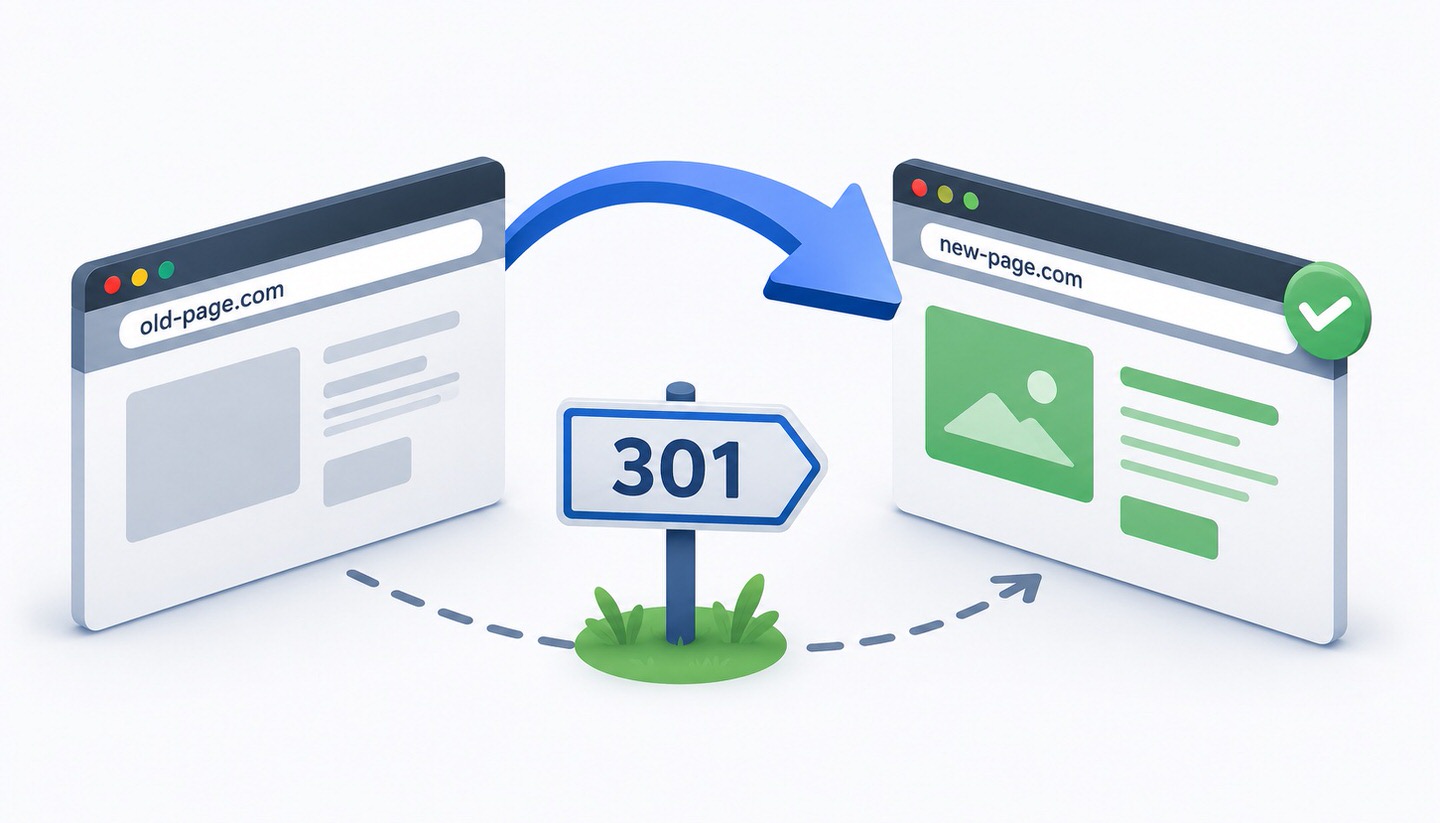
A redirect is a technical instruction that automatically directs visitors and search engines from one URL to another. If someone accesses an old or no longer existing address, the redirect ensures they land on the desired target page instead. Redirects are a fundamental tool in technical search engine optimization and are particularly essential during moves, restructurings, or when removing pages.
Simply put, a redirect is like a mail forwarding order: the old address no longer exists actively, but everything sent there reliably arrives at the new address.
The Most Important Types of Redirects
There are various types of redirects that differ significantly in their SEO relevance. The two most important are:
- 301 (permanent redirect): Signals that a page has permanently moved to a new address. This is the most important redirect for SEO, as it transfers the majority of link equity and ranking signals to the new URL. Google replaces the old URL in the index with the new one in the long term.
- 302 (temporary redirect): Signals that a page is only temporarily available at a different location. The old URL remains in the index, as Google assumes it will return. Link equity is not transferred to the same extent.
Choosing the right type is crucial: If a page is permanently moved but a 302 is mistakenly used instead of a 301, there is a risk that ranking signals will not be transferred correctly.
Other Redirect Types
- 307 (temporary): A more modern variant of the 302 in the newer protocol standard, also for temporary redirects.
- 308 (permanent): The modern counterpart to the 301 for permanent redirects.
- Meta-Refresh: A redirect via HTML tag with a time delay. Not recommended from an SEO perspective, as it is slow and harder for search engines to interpret.
- JavaScript Redirect: Triggered via script. While Google can process it, server-side redirects (301/302) are clearly preferable.
For most SEO purposes, the 301 is the right choice. The other types are special cases.
When Are Redirects Needed?
- When removing or moving pages: To ensure visitors and search engines do not land on an error page (404) but on a suitable replacement.
- During a relaunch: When URLs change, all old addresses must be redirected via 301 to their new counterparts.
- During a domain change: For example, as part of a rebranding, to transfer all visibility to the new domain.
- For standardization: For example, to redirect the non-"www" version to the "www" version or "http" to "https", ensuring there is only one authoritative version.
Redirect or Canonical Tag? The Difference
Both tools relate to the relationship between URLs but function fundamentally differently and are often confused:
- A redirect actually directs users and search engines to a different URL. The original page is no longer directly accessible.
- A canonical tag is merely a hint to search engines about which of several accessible, similar pages is the authoritative one. All versions remain accessible.
Rule of thumb: If the old page should disappear, use a 301 redirect. If it should remain accessible but not be considered a duplicate, use the canonical tag.
Typical Pitfalls
- Redirect chains: If URL A redirects to B, B to C, and C to D, a chain is created. This slows down loading and dilutes signal transfer. It’s better to redirect directly from A to the final destination.
- Redirect loops: If A redirects to B and B redirects back to A, an infinite loop is created, and the page becomes inaccessible.
- Blanket redirects to the homepage: If many old URLs are collectively redirected to the homepage instead of thematically relevant target pages, Google often treats this like an error page (soft 404), and ranking signals are lost.
- Incorrect redirect type: Using a 302 instead of a 301 for a permanent move does not reliably transfer ranking signals.
- Forgotten redirects: URLs overlooked after a relaunch lead to 404 errors and traffic loss.
Practical Tips
- Always redirect to the appropriate target: An old product page should lead to a comparable product or the relevant category, not blanketly to the homepage.
- When in doubt, use 301: For permanent moves, the 301 is almost always the right choice.
- Avoid chains: Redirect directly to the final destination.
- Check after the move: Use the Google Search Console and appropriate tools to verify that all redirects are working correctly and no 404 errors occur.
Conclusion
A redirect automatically directs visitors and search engines from one URL to another and is an indispensable tool during moves, relaunches, and restructurings. The most important distinction is between the permanent 301 and the temporary 302, as only the 301 reliably transfers ranking signals to the new address. By strategically setting redirects to thematically relevant targets, avoiding chains and loops, and carefully checking the results, you preserve built-up visibility and ensure a smooth user experience.