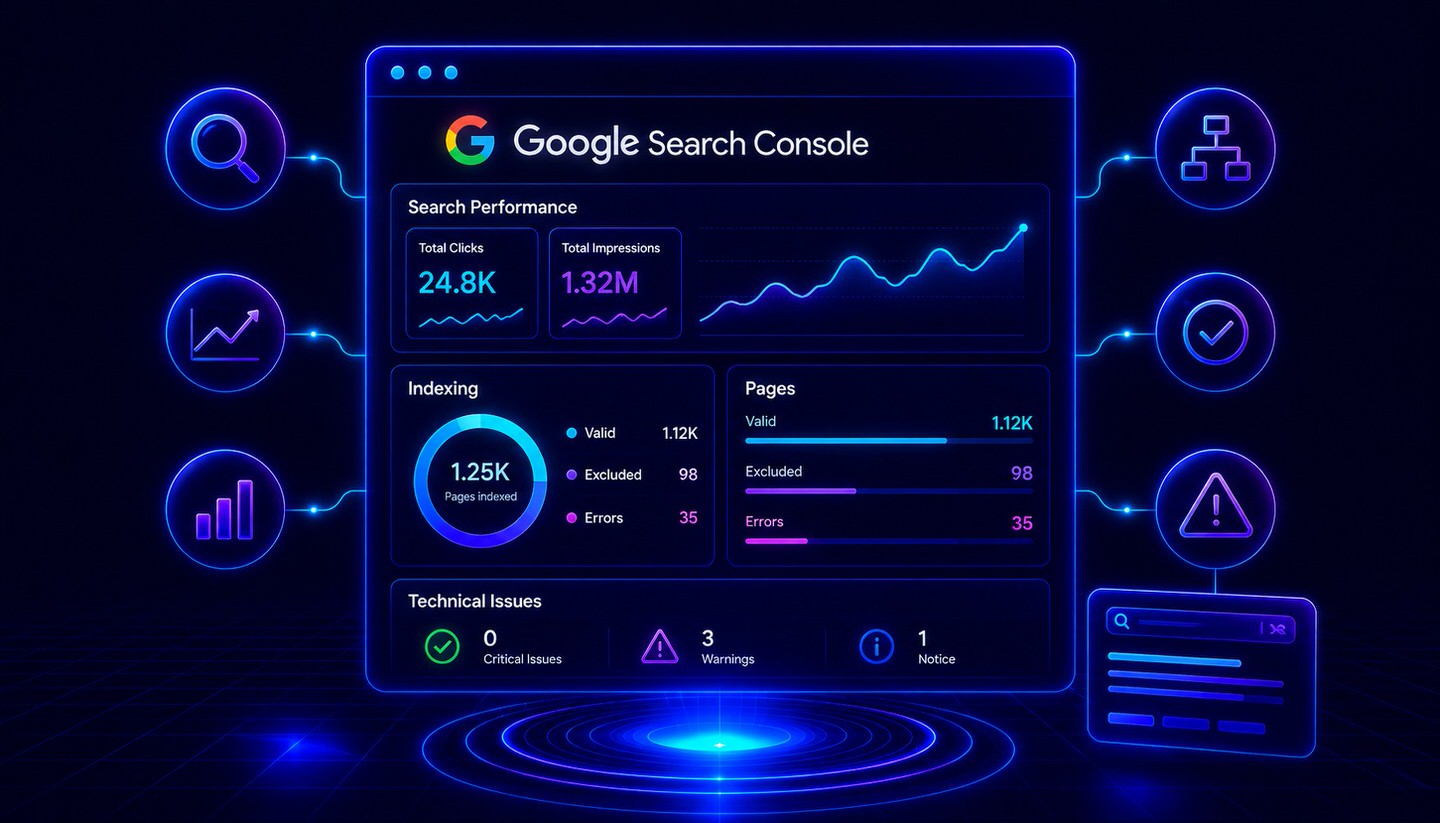
Google Search Console (GSC)
Google Search Console (GSC) is the free SEO tool from Google for monitoring your website's organic visibility and indexing.
What is the Google Search Console?
The Google Search Console (GSC for short) is a free tool from Google that allows website operators to monitor how their website performs in Google Search. Among other things, it shows which search terms a page appears for, how often it is clicked, and whether there are technical issues with indexing. While Google Analytics measures what visitors do on the website, the Search Console shows what happens beforehand—namely, in the search results themselves.
For any serious SEO work, the Search Console is indispensable because it provides the only direct data from Google about a website’s organic visibility.
Setup and Verification
To use the Search Console, you must first add your website as a "property" and verify ownership. There are two options for this:
- Domain Property: Covers the entire domain, including all subdomains and protocols (http and https). Verification is done via a DNS record.
- URL Prefix Property: Covers only a specific version or section of the website. Verification can be done in several ways, such as via an HTML file, a meta tag, or linking with Google Analytics.
Key Reports at a Glance
Performance
The central report for SEO. It shows four core metrics:
- Clicks: How often users clicked on the site from search results.
- Impressions: How often the site was displayed in search results.
- Click-Through Rate (CTR): The ratio of clicks to impressions.
- Average Position: The average ranking in search results.
Particularly valuable is the ability to filter by individual search queries, pages, countries, and devices, as well as compare different time periods.
Page Indexing
This report shows which pages Google has indexed and which ones have not, along with the reasons. Common statuses include "Crawled – currently not indexed" or "Discovered – currently not indexed." Such indications help to specifically address issues with findability.
URL Inspection
This tool allows you to check an individual URL: Is it indexed? Are there any issues? Additionally, you can request Google to index a new or updated page here.
User Experience and Core Web Vitals
This report shows how pages perform in terms of Core Web Vitals, based on real user data from the Chrome browser. Pages are grouped by templates, so a single issue often applies to many similar pages.
Enhancements and Structured Data
Here, you can see whether the embedded schema markup (e.g., via JSON-LD) was correctly recognized and whether the page qualifies for rich results. Errors in the markup are visible here.
Links
This section shows external and internal links: which pages are linked most frequently, which websites link to your site the most, and which anchor texts are used.
Current Development: AI in Search Results
With the rise of AI-powered search, the Search Console has also evolved. Since 2026, data from Google’s AI Overviews and AI Mode has been integrated into the Performance report, though without separate filtering options. A typical pattern that can be observed is stable or increasing impressions with a declining click-through rate. This may indicate that an AI summary is answering the user’s question directly in the search results, eliminating the need for a click. For success measurement in the age of GEO, this perspective is increasingly important.
Combining Google Search Console and Google Analytics
The full potential is realized when both tools are used together. The Search Console shows which search queries bring users to the site and how it ranks in the results. Google Analytics 4 then shows what these visitors do on the site. By linking both accounts, search and behavioral data can be analyzed together.
Conclusion
The Google Search Console is the most important free tool for search engine optimization because it provides direct data from Google about organic visibility. It helps monitor rankings, identify technical indexing issues, check structured data, and keep an eye on the backlink profile. Combined with Google Analytics 4, it provides a complete picture from the search query to user behavior on the site. Every website operator should set up the Search Console from the start and use it regularly.