Doctype
The doctype is the first line in HTML documents and ensures browsers display web pages correctly according to modern standards.
What is the Doctype?
The Doctype (short for "Document Type Declaration") is an instruction that appears at the very beginning of an HTML document. It tells the browser what type of document it is and which standard it should use to interpret the code. The Doctype is therefore the very first line of a webpage, even before the actual HTML code.
For modern websites, the Doctype is pleasantly simple. It simply reads:
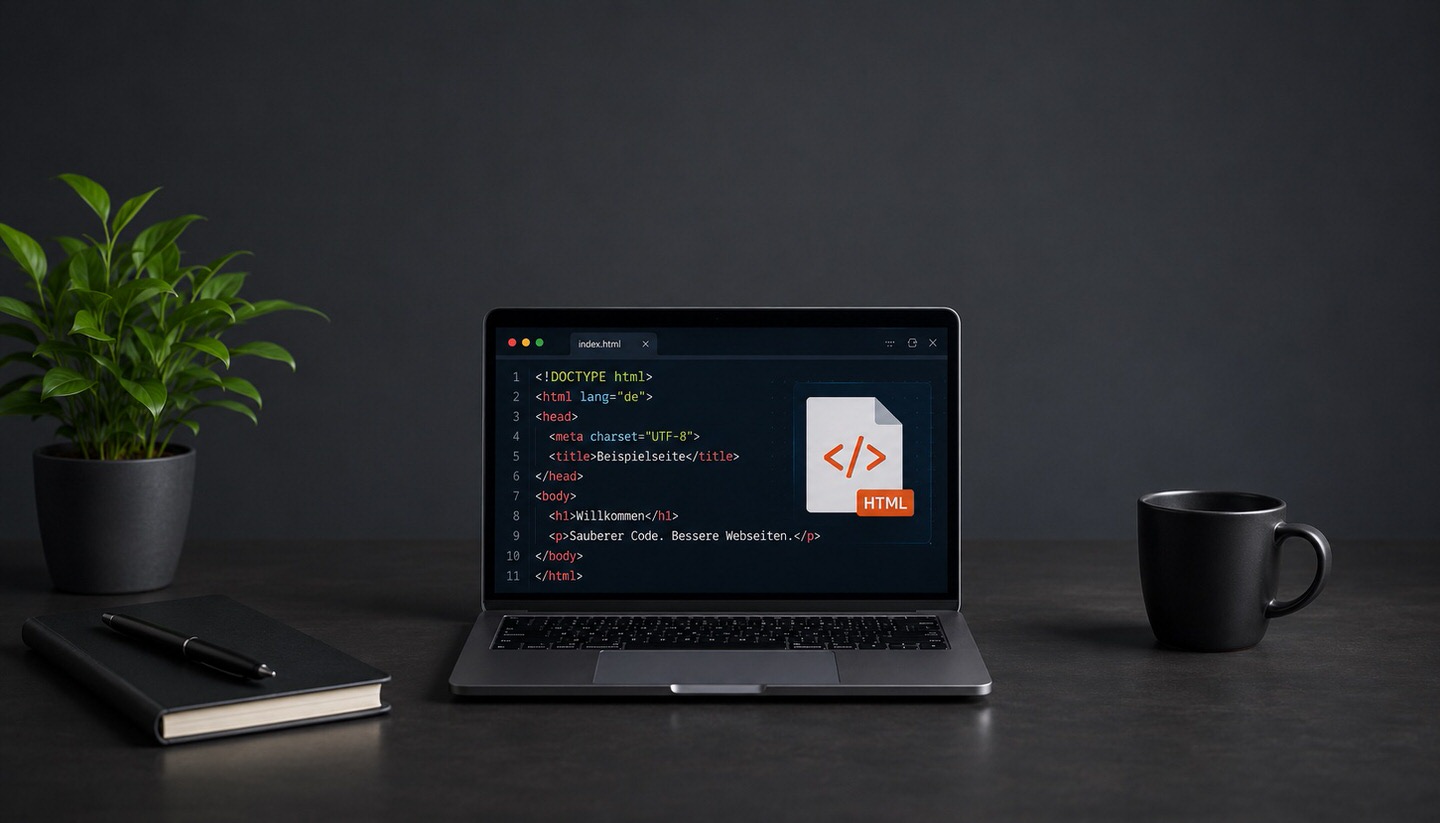
<!DOCTYPE html>This short line is the standard for HTML5, the current version of HTML, and signals to the browser to render the page according to valid, modern web standards.
Why is the Doctype so important?
The main purpose of the Doctype is to put the browser into the correct rendering mode. This is the core of its significance. Browsers recognise two fundamental modes:
- Standards Mode: If a correct Doctype is specified, the browser renders the page according to current, uniform web standards. This is the desired state.
- Quirks Mode: If the Doctype is missing or incorrect, the browser falls back into a special compatibility mode. In this "quirks mode," it mimics the faulty behaviour of very old browsers to still display outdated websites.
Quirks Mode is precisely the problem: unpredictable display errors can occur here, such as misaligned layouts, incorrect spacing, or faulty box rendering. The simple Doctype <!DOCTYPE html> ensures that the browser reliably operates in Standards Mode.
A brief look at history
In the past, Doctypes were significantly longer and more complicated. During the era of HTML 4.01 and XHTML, cumbersome, multi-line declarations with references to external definitions had to be specified, which hardly anyone could remember. With HTML5, this was radically simplified: from a long, error-prone line to the short, memorable <!DOCTYPE html>. For practically all websites today, this is the only relevant variant.
Where does the Doctype go, and what should you pay attention to?
- Right at the start: The Doctype must be the very first line of the document, even before the opening
<html>tag. If anything precedes it, this can trigger Quirks Mode. - Do not place anything before it: Even an inconspicuous space or accidental characters before the Doctype can cause problems.
- Only present once: There is exactly one Doctype per page.
- Not case-sensitive: The spelling of "DOCTYPE" is technically not case-sensitive, but the form shown is common and recommended.
Does the Doctype affect SEO?
An honest assessment is important here: the Doctype itself is not a direct ranking factor. Google does not rate a page better just because a Doctype is present. However, a missing or incorrect Doctype can indirectly harm search engine optimisation:
- Display problems: If the browser switches to Quirks Mode, the layout can break. A poorly displayed page worsens the user experience.
- Problems with responsive design: Quirks Mode can cause the mobile, responsive display to not function correctly. Since Google indexes mobile-first, this can become a real issue.
- Negative user signals: Display errors lead to frustration and bounces, which can have an indirect negative impact.
In other words: the Doctype is a technical prerequisite. If it is set correctly, you won’t even notice it. If it is missing, subsequent problems can arise that are indeed SEO-relevant.
Do beginners need to worry about it?
In most cases, not actively. Modern content management systems like WordPress and almost all current themes automatically insert the correct HTML5 Doctype. Anyone running a well-maintained, up-to-date website usually already has the Doctype correctly in the source code. The topic becomes relevant mainly for self-created pages, very old websites, or when encountering unexplained display issues during troubleshooting. In such cases, it’s worth checking whether the Doctype is correctly present as the very first line.
Conclusion
The Doctype is a small but important instruction at the beginning of every HTML document that tells the browser to render the page according to modern web standards. For current websites, the simple line <!DOCTYPE html> is sufficient. Its central function is to reliably activate Standards Mode and avoid the error-prone Quirks Mode. Although the Doctype is not a direct ranking factor, it forms a technical foundation for correct display, a functioning mobile view, and thus a good user experience. The good news for beginners: modern systems automatically set it correctly, so you only need to deal with it in exceptional cases.