DLxTagger | Master IPTC & EXIF Metadata
DLxTagger - Edit metadata as fast as you take photos.
Anyone who takes a lot of photos knows the problem: The pictures are in the can, but before they go to the agency, the archive, or the editorial team, keywords, copyright, credits, and descriptions need to be spot-on. That’s exactly where DLxTagger comes in.
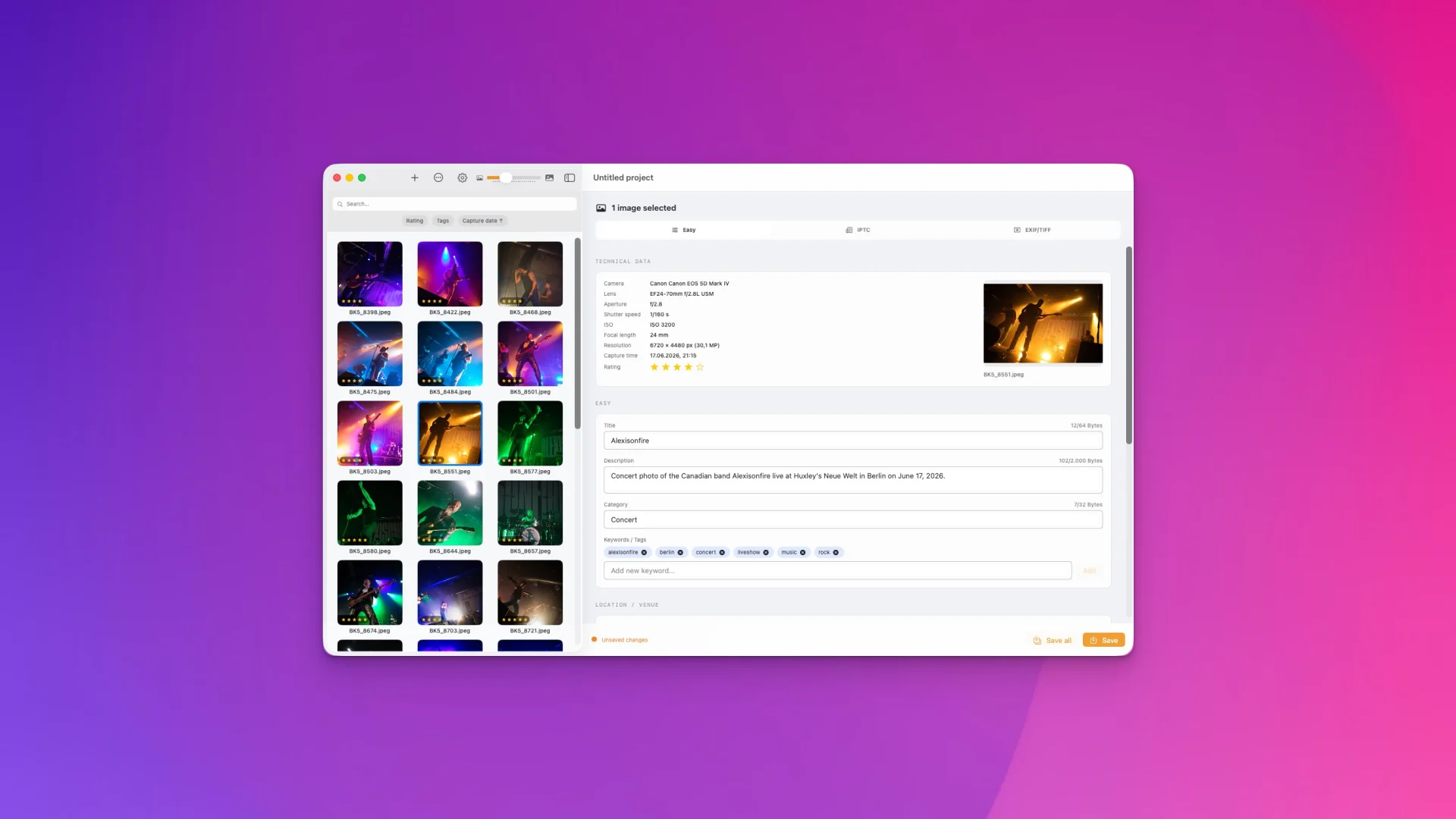
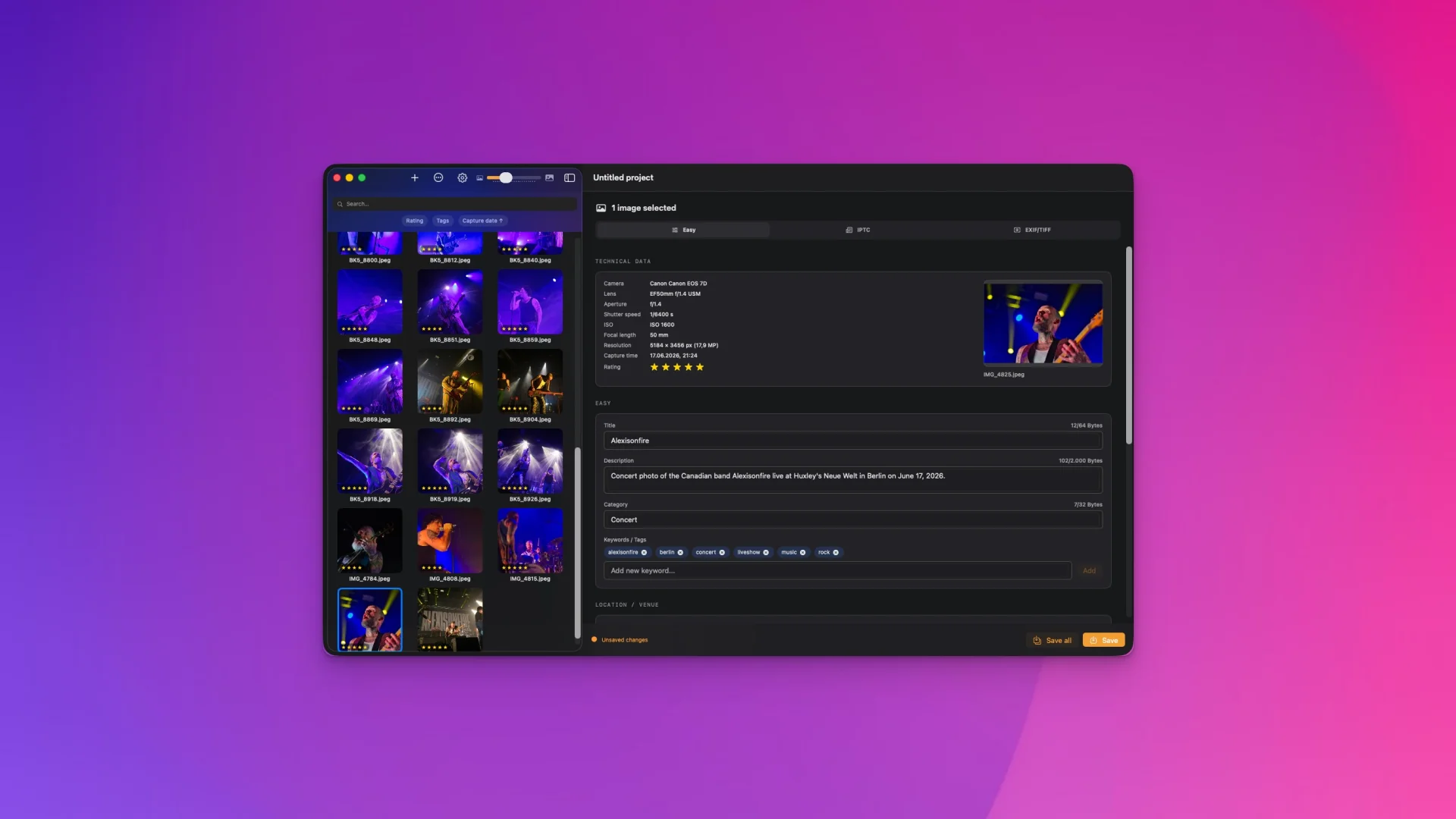
DLxTagger is the macOS app for quickly reviewing, sorting, and editing image metadata—built for photographers, photo editors, and anyone who wants to organize large volumes of images cleanly and consistently.
Faster workflow, less typing
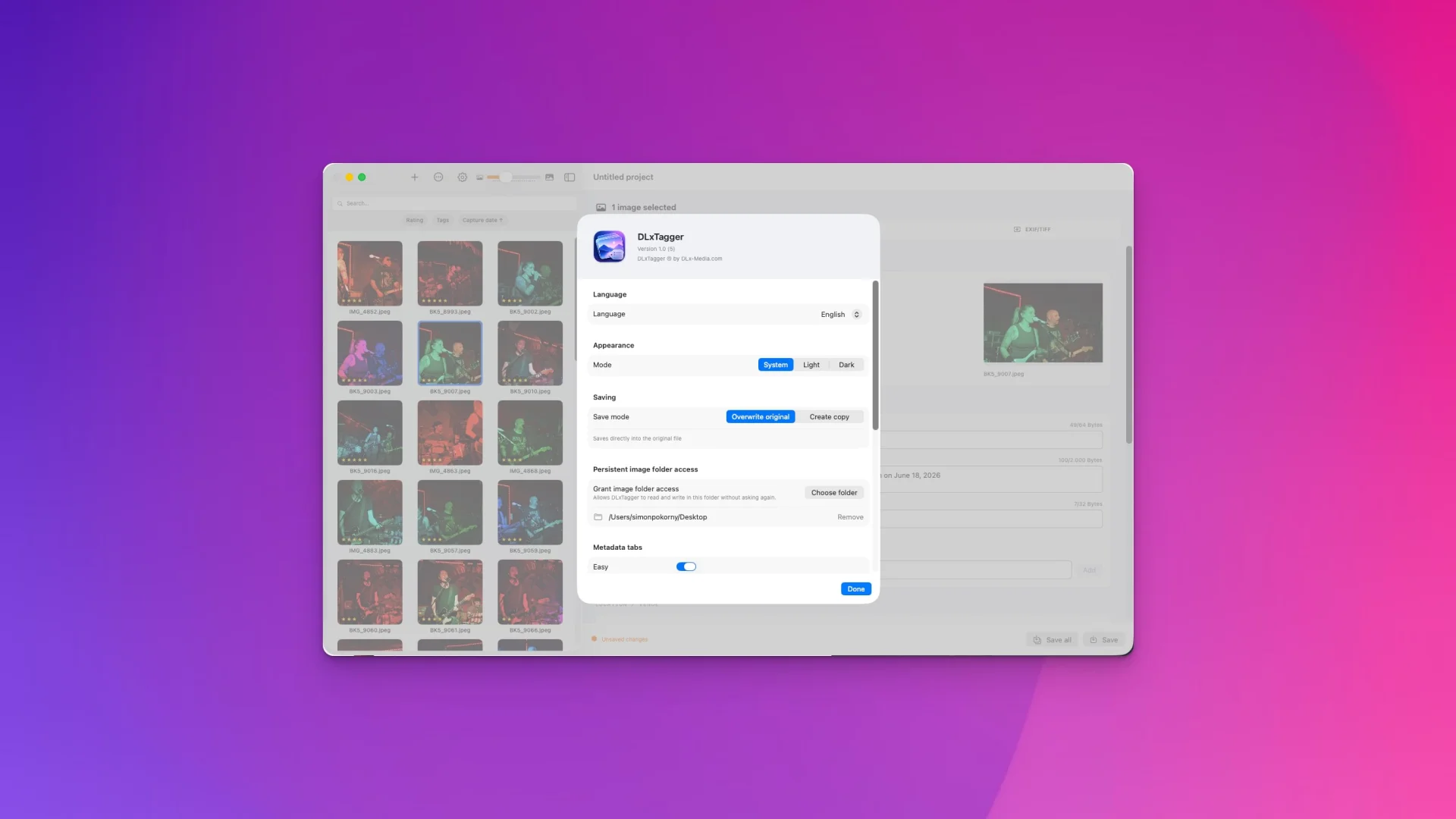
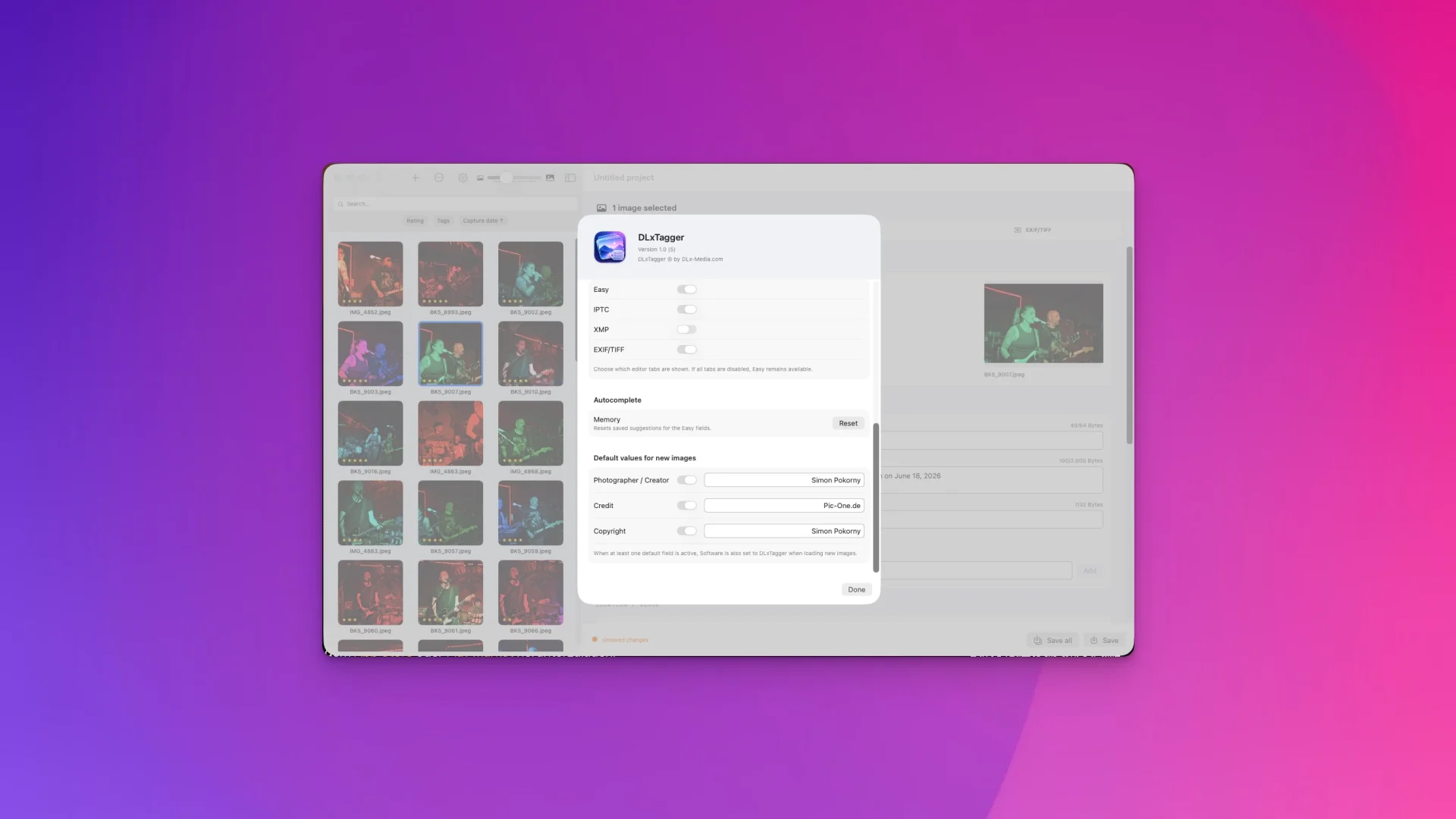
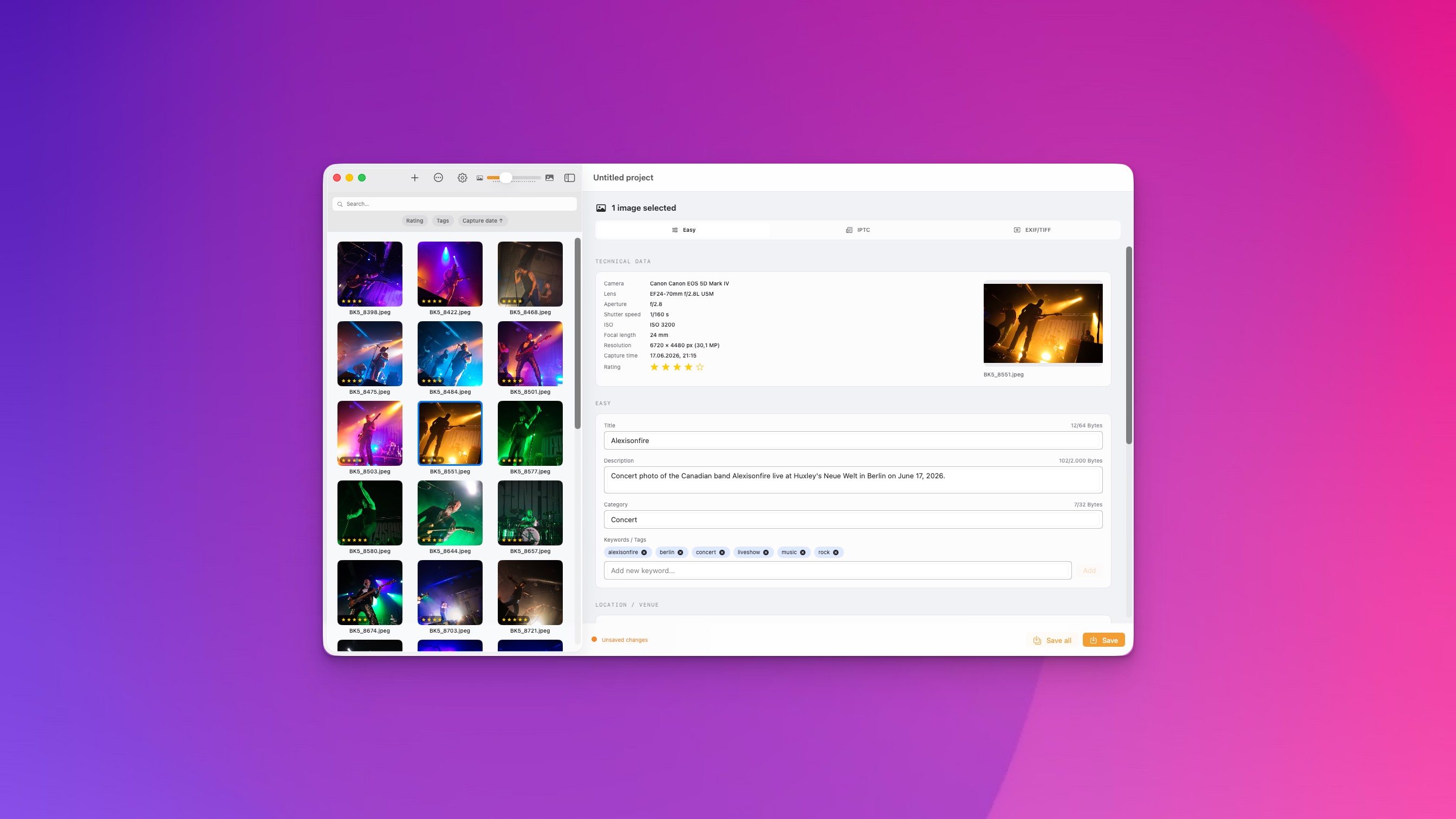
Load your photos into a clear gallery, filter and rate them using your keyboard, and edit IPTC, XMP, EXIF, and TIFF data directly without detours. Tag multiple images at once? No problem. Save recurring details like photographer, copyright, or credit as defaults? Set it once, then automate it.
Tools for the complete photo workflow
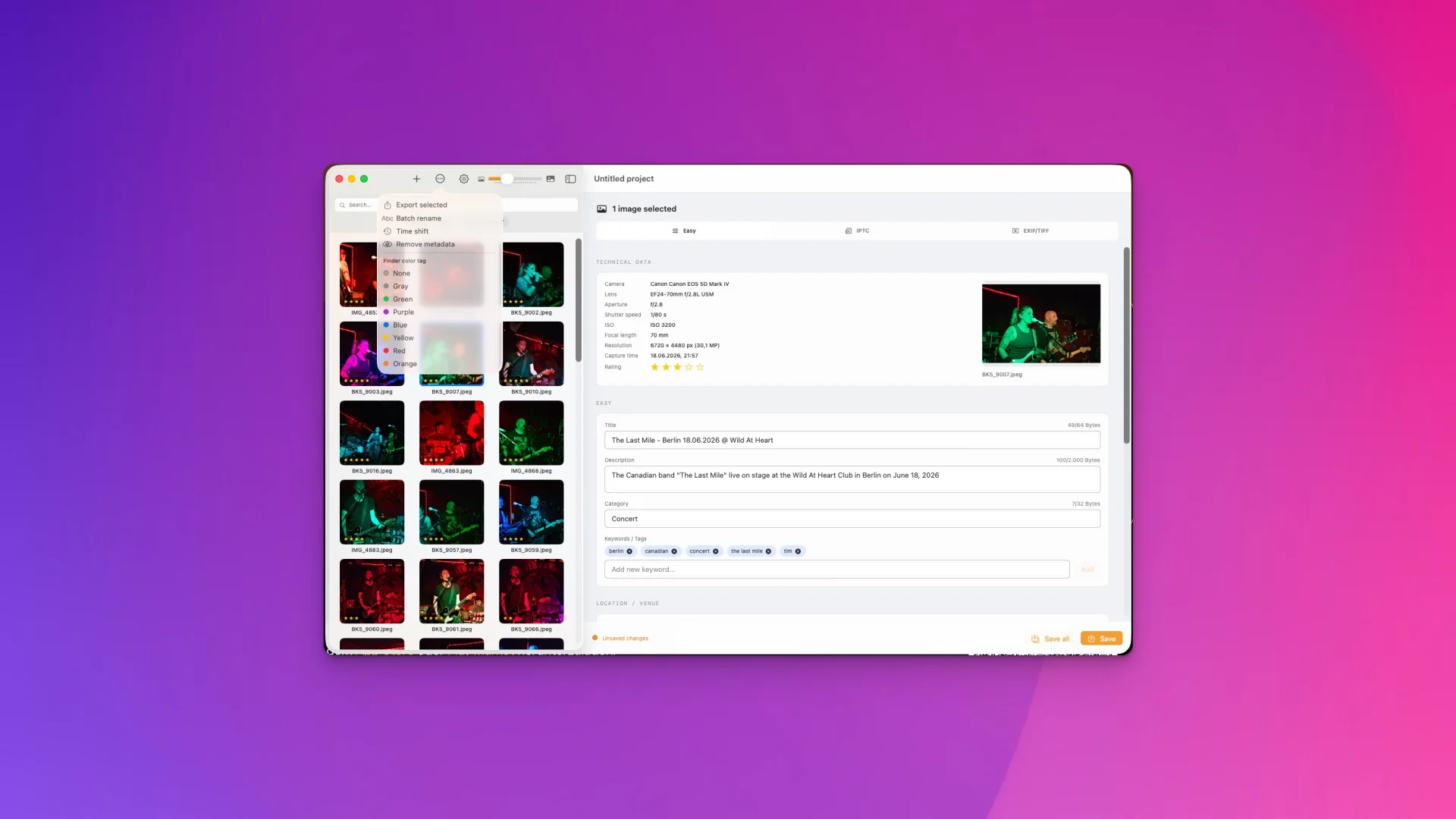
- Set Finder color tags directly from the app
- Selectively export chosen images
- Structure files with batch renaming
- Correct capture times with Time-Shift
- Remove metadata selectively if needed
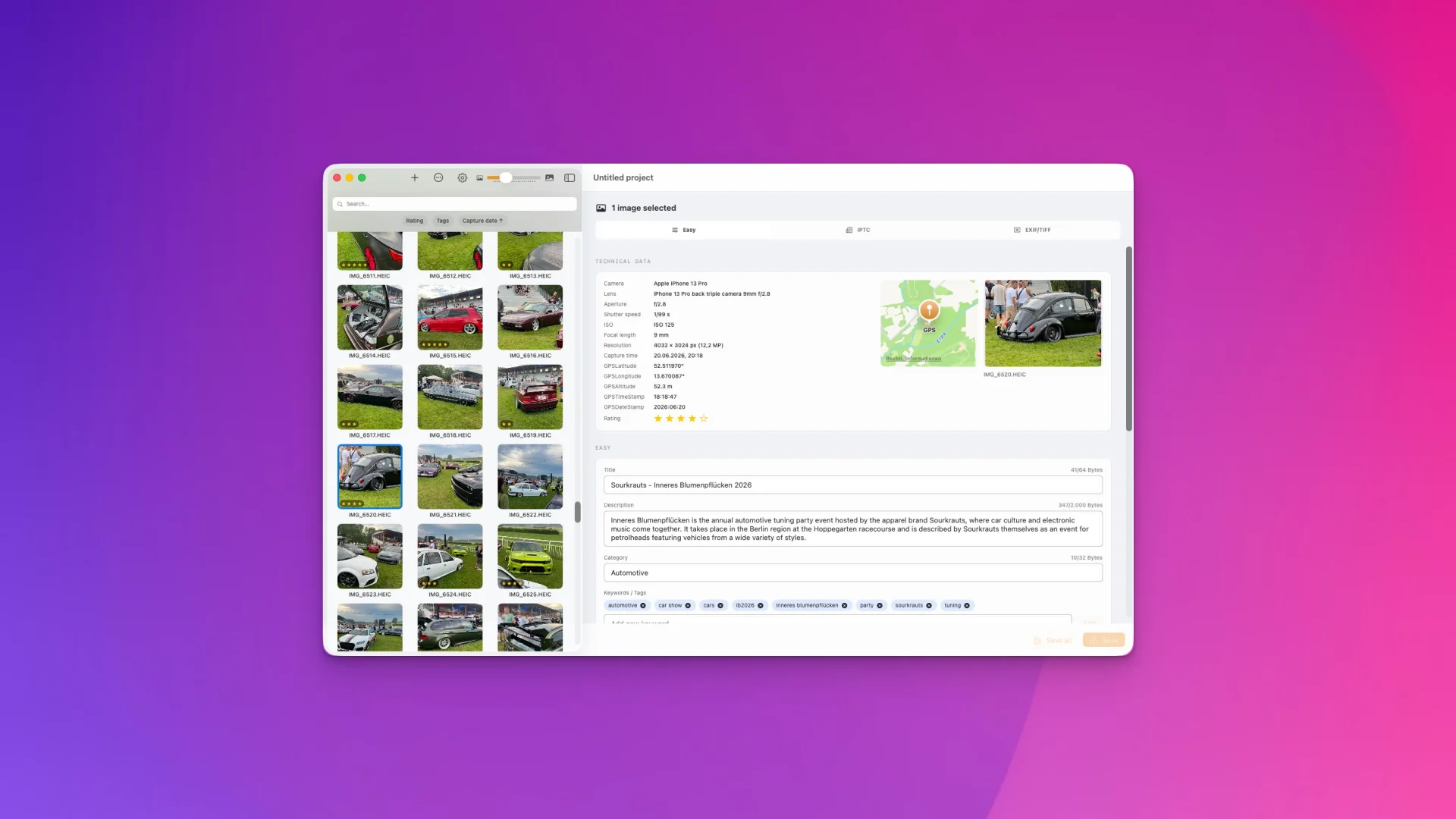
- Existing GPS data is recognized and displayed directly on a map
DLxTagger really shines when images from different cameras or shoots come together—the app brings order to the chaos and keeps your metadata consistent everywhere.
Gentle on your originals
With RAW files, DLxTagger never writes to the original file but instead uses a separate .xmp sidecar file. Your camera’s internal data and MakerNotes remain untouched.
Supported formats
Embedded metadata: JPEG, PNG, TIFF, HEIC, and HEIF.
RAW via XMP sidecar: DNG, CR2, CR3, NEF, NRW, ARW, SRF, SR2, RAF, ORF, RW2, RWL, PEF, IIQ, 3FR, FFF, MOS, MRW, and RAW.
Fast, high-performance, and with a thoughtful design that truly speeds up your workflows.
Available now on the Mac App Store—download DLxTagger and bring order to your images.