Infinite Scrolling
Infinite Scrolling enables seamless browsing but poses SEO risks such as crawling issues and missing linkable URLs.
What is Infinite Scrolling?
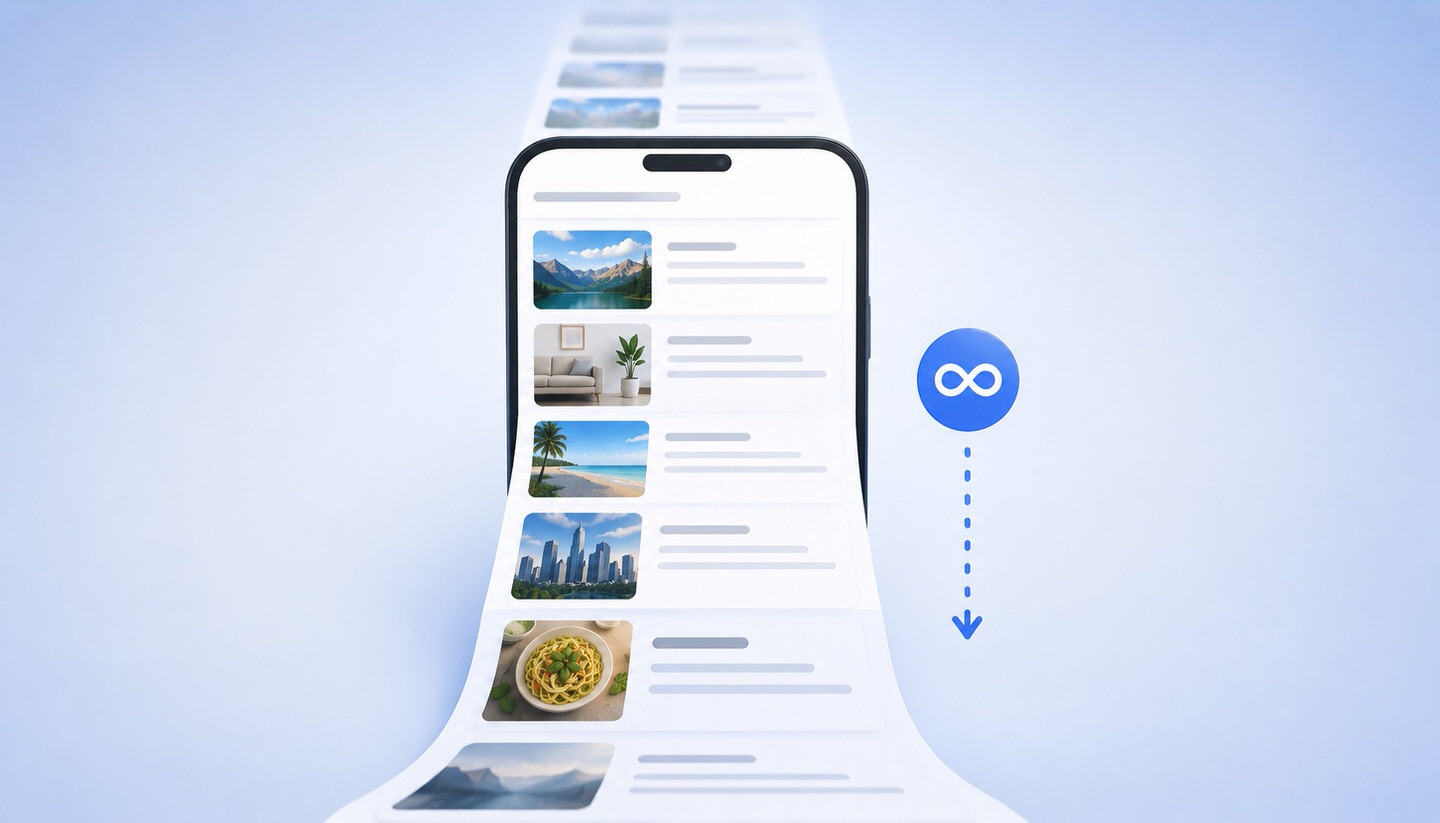
Infinite Scrolling (known in German as "endloses Scrollen" or "endless scrolling") is a web design technique where new content is automatically loaded as the user scrolls down. Instead of being divided into individual, numbered pages, the content appears in a seemingly endless, continuous stream. This technique is particularly well-known from social networks and news feeds, where more posts appear the further you scroll.
While this technique initially feels convenient, it presents several challenges from an SEO perspective. For website operators, it is therefore important to understand when Infinite Scrolling is suitable and when it can cause problems.
Infinite Scrolling vs. Pagination
The classic counterpart to Infinite Scrolling is pagination (page numbering), where content is distributed across multiple, numbered pages (Page 1, 2, 3, and so on). Both approaches have their merits:
- Infinite Scrolling: Ideal for discovery-oriented, casual browsing, such as in feeds, image galleries, or social networks, where there is no specific goal.
- Pagination: Better when users are searching for something specific, comparing items, or want to return to a particular point, such as in online shops or search results.
The Advantages of Infinite Scrolling
- Seamless user experience: Browsing feels smooth, without interruptions from clicking through to additional pages.
- Mobile-friendly: On smartphones, scrolling is often more comfortable than tapping small page number links.
- Longer dwell time: The uninterrupted stream of content can encourage users to stay longer, which is particularly desirable for feed-based platforms.
The Disadvantages and SEO Issues
This is where the critical part comes in, as Infinite Scrolling can significantly harm search engine optimisation and user-friendliness if not implemented correctly:
- Crawling issues: If content is only loaded via JavaScript when scrolling, search engines may not capture these dynamically loaded elements. What the crawler doesn’t see cannot be indexed or ranked.
- No linkable individual pages: Without unique URLs for the loaded sections, there are no specific addresses that can be linked, shared, or directly accessed.
- Loss of position: When users click on content and return, they often land back at the top instead of their previous position, which is a common frustration.
- Unreachable footer: Since new content constantly loads, users often never reach the footer area with important links (Imprint, Contact).
- Performance issues: Very long pages with many dynamically loaded elements can become slow and resource-intensive, negatively impacting loading times and Core Web Vitals.
How to Implement Infinite Scrolling in an SEO-Friendly Way
The key solution is to combine Infinite Scrolling with a solid technical foundation so that user comfort and discoverability work together:
- Combine with pagination (paginated loading components): In the background, each loaded "portion" should have its own accessible URL, such as via addresses with page numbers. This ensures content remains reachable for search engines while users enjoy a seamless scrolling experience.
- Serve content server-side: Important content should be delivered in a way that ensures it is present in the source code even without JavaScript execution, making it crawlable.
- Offer an optional "Load More" button: A button for loading more content, instead of purely automatic loading, gives users control and makes the footer accessible.
- Remember scroll position: When navigating back, users should return to their previous position.
- Check indexing: Use tools like the URL Inspection in Google Search Console to verify whether dynamically loaded content is actually being captured.
When Should You Avoid Infinite Scrolling?
Not every website benefits from endless scrolling. For goal-oriented pages, such as product overviews in online shops, pagination or a hybrid solution is usually the better choice, as users want to compare items and return to specific results. For content that should rank individually and be linked, a clear page structure with unique URLs is more advantageous. Infinite Scrolling excels in casual discovery scenarios, not in targeted searches.
Conclusion
Infinite Scrolling automatically loads content as the user scrolls, providing a smooth experience that is particularly pleasant on mobile devices. However, the technique carries serious SEO risks, especially if dynamically loaded content cannot be crawled or lacks unique URLs. The key lies in proper implementation: combining Infinite Scrolling with a background pagination system and crawlable content ensures a comfortable user experience alongside good discoverability. The crucial factor is using the technique where it fits—during browsing—and avoiding it where users are searching and comparing with specific goals in mind.